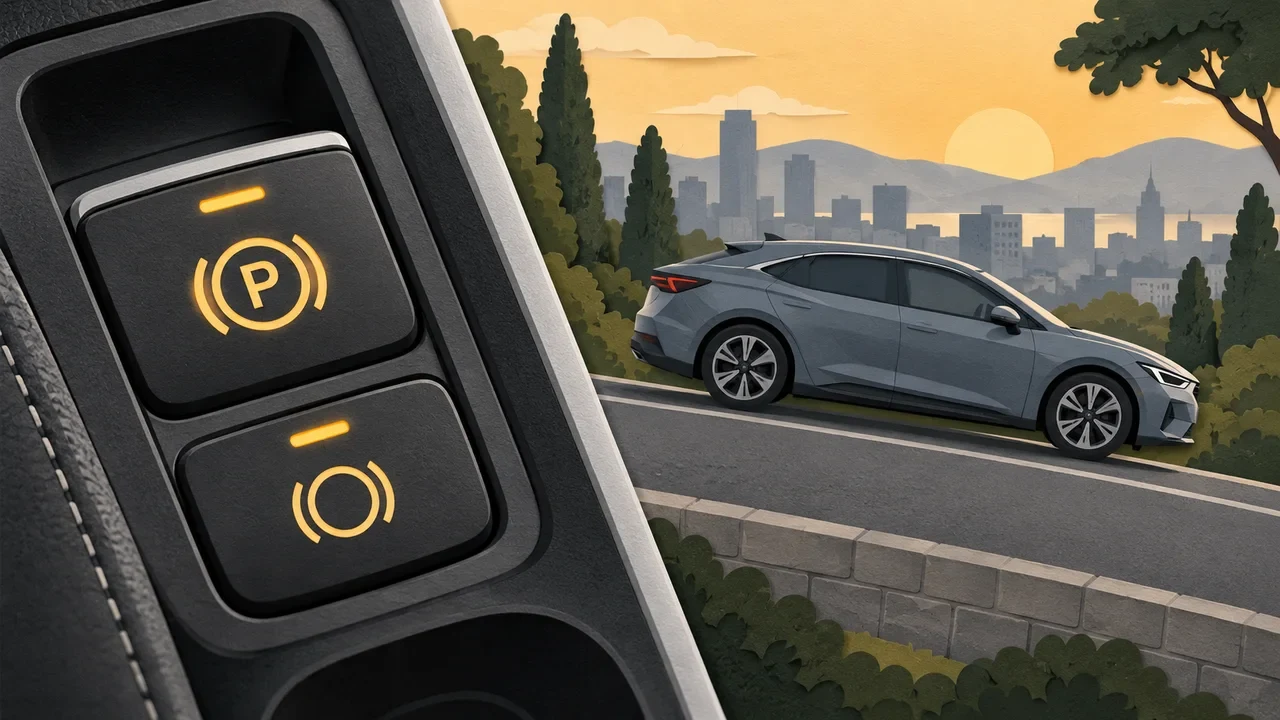
Illustrative editorial image generated with AI.
Auto Hold makes a stop less tiring: after you bring the car fully to a halt, it can keep the brakes applied while you lift your foot. An electronic parking brake secures the parked vehicle through an electrically controlled mechanism. They may share hardware and hand control from one function to the other, but a button light alone does not tell you which state the car is in.
Separate three different jobs
The service brake slows or stops the car when you press the pedal. Auto Hold manages braking during a temporary standstill. The parking brake is the function you confirm when parking. Hill-start assistance is another related feature: its purpose is to help during a hill start, and its operating window should not be confused with an indefinite hold.
Names vary between manufacturers. A model with an electronic parking-brake switch does not automatically have Auto Hold, and an Auto Hold feature does not replace the parking instructions in the handbook. Start with the manual for your actual model year and transmission.
Why one function can turn into the other
In Volvo’s V90 Auto Hold example, the feature can use either the service brake or parking brake. Opening the driver’s door, switching off or a longer stop can cause a transition to the parking brake. That explains why a dashboard symbol or a small actuator sound may change while the car remains still. Those particular triggers are model-specific, not a promise about every car.
The useful question is therefore not “Is Auto Hold switched on?” but “Is the vehicle currently being held, and by which function?” A settings light may show availability, while the instrument display shows active holding. Learn the meaning of both indications before relying on them in traffic.
A practical four-stage routine
- Before driving: locate the Auto Hold and parking-brake sections in the handbook. Check whether the function remembers its setting and whether seat-belt or door conditions apply.
- At a stop: stop fully with the brake pedal and confirm the active hold indication before releasing pressure. Keep control if the indication is absent.
- When moving off: follow the prescribed release procedure and check the path ahead. Do not treat an accelerator press as a harmless way to test whether the brake is engaged.
- When parking: use the handbook’s parking sequence, confirm the parking-brake indication and select the prescribed transmission position before leaving.
Special situations deserve their own check
A conveyor car wash may need the vehicle to roll freely. Towing, recovery and certain service procedures can also have instructions that differ from ordinary driving. Tell the operator which systems the vehicle has and use the manufacturer’s procedure; repeatedly pressing switches at the entrance is a poor substitute for preparation.
On a slope, do not step outside to “see whether it holds.” If the car moves unexpectedly, remain in control with the pedal and stop somewhere safe. A warning message, failure to release or repeated unexpected rolling deserves investigation rather than a theory about software learning your habits.
Describe the symptom before booking a check
A useful note for a workshop records the selected gear, slope, warning text, belt and door state, whether the engine was running, and the exact symbol shown. “Auto Hold stopped working” is much less specific than “the active hold symbol never appeared after stopping, although the feature switch was on.” Avoid reproducing a fault in a risky location just to obtain a video.
If your concern is instead what happens while waiting with an automatic gearbox, see our guide to D or N at a red light. Transmission choice and brake confirmation are connected parts of driving, but one does not establish that the other system is working.